Data portability
From your Ethnio account, we offer four ways for you to export data. The first three are regarding your account data as a customer of Ethnio, and the last is for any respondent who has ever submitted information to Ethnio.
1. Account >> Profile
You have a choice of two types of global account export requests:

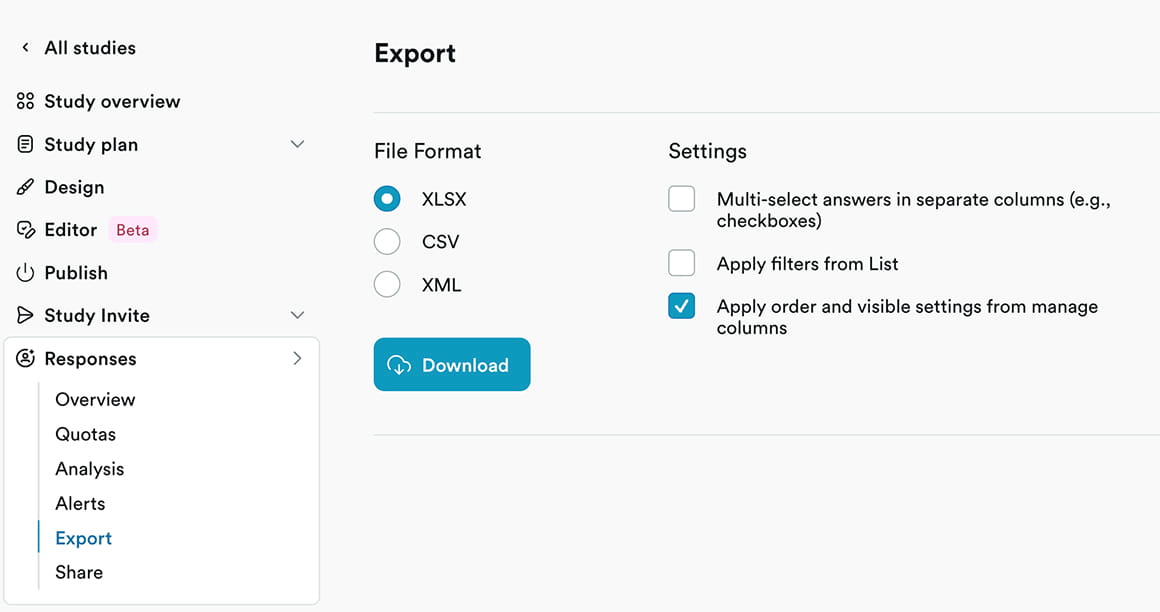
2. Responses >> Export Data
Download every response to a given screener or survey as XLSX, CSV, or XML.
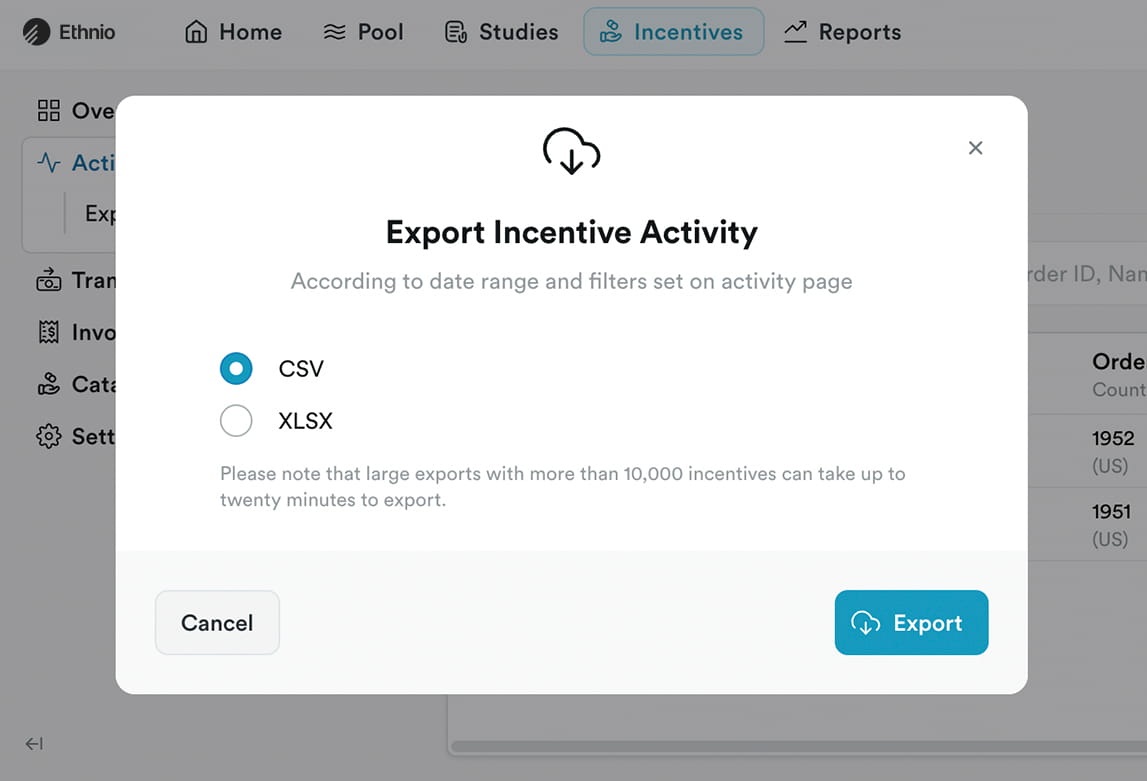
3. Incentives >> Activity >> Export
Download a CSV or XLSX of every incentive payment on your account, including its date, status, recipient, amount, and other details.
4. For screener or survey respondents
Respondents are people who answered a screener sent by an account holder. You should contact the account holder who is responsible for editing, deleting, or giving you a copy of your responses. If you’re unable to get in touch with the account holder, please try to track down the following information before contacting us: screener link, email invitation, or web page you used to take the survey. Then provide your name and email address.